
Download Time Calculator
How long a download takes at a given connection speed.
Quick answer
- Formula: Time = File size (bits) ÷ Speed (bits per second); 1 byte = 8 bits
- Worked example — Download time: 64.00 seconds (full example below).
Download Time Calculator
| Download time | 64.00 seconds |
| Download time | 1.07 minutes |
| Download time (h:m:s) | 0:01:04 |
An 800 MB file at 100 Mbps takes exactly 64 seconds (0:01:04) under ideal conditions: 800 × 8 = 6,400 megabits ÷ 100.
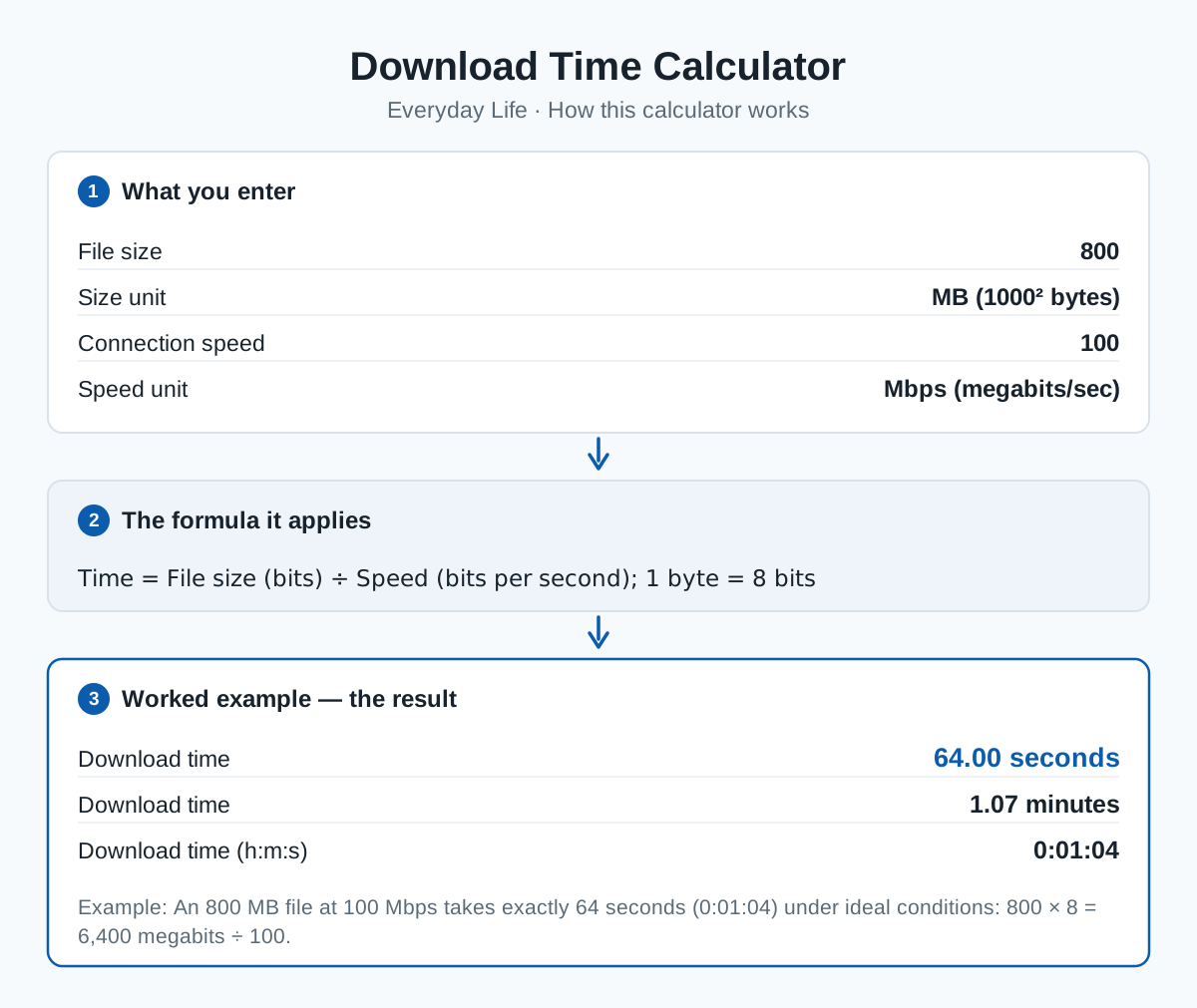
Enter a file size and a connection speed to get the transfer time. Decimal and binary units are kept strictly separate here: MB = 1000² bytes and GB = 1000³ bytes (what ISPs and disk makers use), while MiB = 1024² and GiB = 1024³ bytes (what operating systems often report).
Mind the factor of eight: speeds are usually advertised in megabits per second (Mbps), but files are measured in bytes. 100 Mbps delivers at most 12.5 MB per second. Real transfers are usually 5–15% slower than the ideal figure shown here because of protocol overhead and congestion.
The formula
Worked example
An 800 MB file at 100 Mbps takes exactly 64 seconds (0:01:04) under ideal conditions: 800 × 8 = 6,400 megabits ÷ 100.
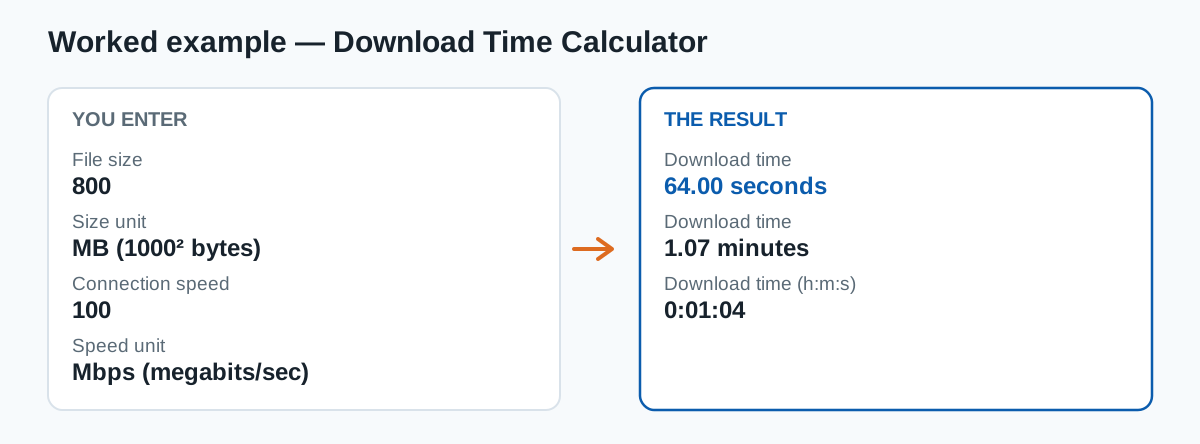
The example is pre-loaded in the result panel — press Calculate with your own numbers to replace it.
Frequently asked questions
Why does my browser show a slower speed than my plan?
Browsers report megabytes per second while plans are sold in megabits per second — divide the plan speed by 8 to compare. A 100 Mbps plan shows at most about 12.5 MB/s in a browser.
What is the difference between MB and MiB?
MB is decimal (1,000,000 bytes); MiB is binary (1,048,576 bytes), about 4.9% larger. The gap grows with unit size: a GiB is about 7.4% larger than a GB.
Category: Everyday Life calculators
Sources & methodology
This calculator applies the formula shown on this page exactly as written, using the standard definitions for its inputs. Results are computed from the values you enter — no data is stored — and are rounded only for display.
Content last reviewed by CalcHub Editorial.
Embed this calculator on your site
Free to use with attribution — paste the snippet below and the calculator appears on your page, with a link back to CalcHub.
Related calculators
Data Storage Converter
Convert bits, bytes, KB, MB, GB, TB and the IEC KiB, MiB, GiB, TiB.
Subnet Calculator
Network, broadcast, usable hosts and masks for an IPv4 CIDR block.
Reading Time Calculator
How long a text takes to read — and to read aloud.
Time Converter
Convert seconds, minutes, hours, days, weeks and Julian years.