
Add Days to Date Calculator
The date a number of calendar or business days from a start date.
Quick answer
- Formula: Result = start date + N days (calendar mode counts every day; business mode steps over weekends only)
- Worked example — Resulting date: March 14, 2026 (full example below).
Add Days to Date Calculator
| Resulting date | March 14, 2026 |
| Resulting date (ISO) | 2026-03-14 |
| Day of the week | Saturday |
Four calendar days after Tuesday, March 10, 2026 is Saturday, March 14, 2026. In business-day mode the same step lands on Monday, March 16.
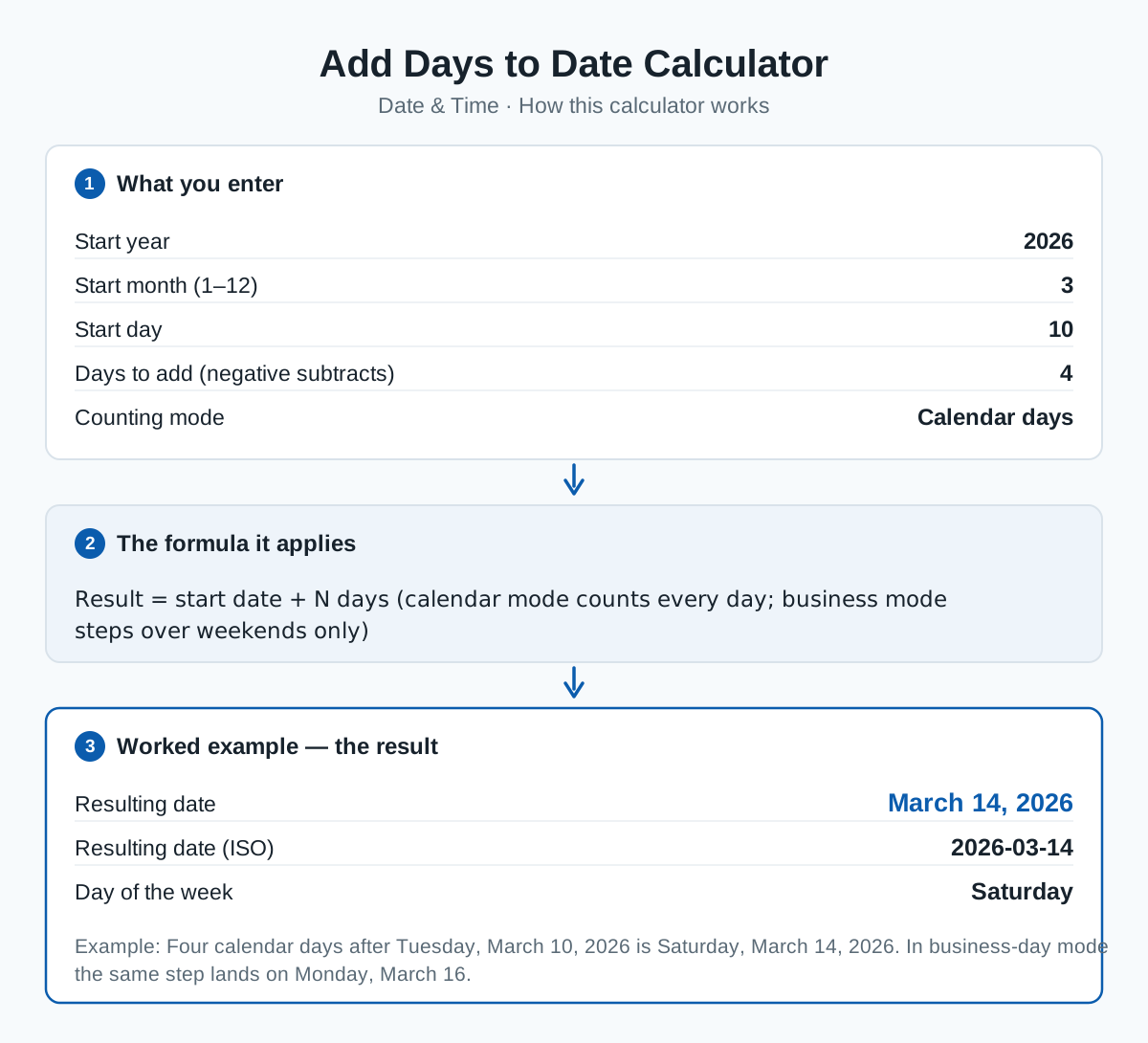
Add or subtract days from any date and get the resulting date and its day of the week. Negative numbers of days move backwards.
Switch the mode to business days to skip Saturdays and Sundays — the mode used for delivery estimates, notice periods and processing times quoted in working days.
The formula
Worked example
Four calendar days after Tuesday, March 10, 2026 is Saturday, March 14, 2026. In business-day mode the same step lands on Monday, March 16.
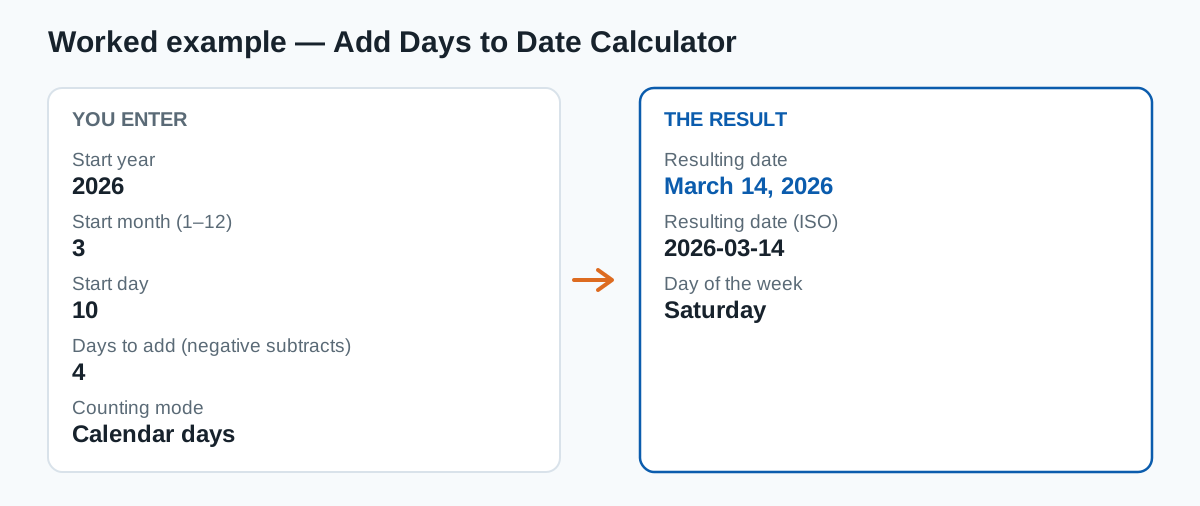
The example is pre-loaded in the result panel — press Calculate with your own numbers to replace it.
Frequently asked questions
How does business-day mode handle a weekend start?
It steps forward (or backward) one calendar day at a time and only counts Monday–Friday landings, so starting on a Saturday, +1 business day gives the following Monday.
Can I subtract days?
Yes — enter a negative number of days and the calculator moves backwards from the start date.
Category: Date & Time calculators
Sources & methodology
This calculator applies the formula shown on this page exactly as written, using the standard definitions for its inputs. Results are computed from the values you enter — no data is stored — and are rounded only for display.
Content last reviewed by CalcHub Editorial.
Embed this calculator on your site
Free to use with attribution — paste the snippet below and the calculator appears on your page, with a link back to CalcHub.
Related calculators
Days Between Dates Calculator
Total days, weeks and business days between two dates.
Business Days Calculator
Working days and weekend days between two dates.
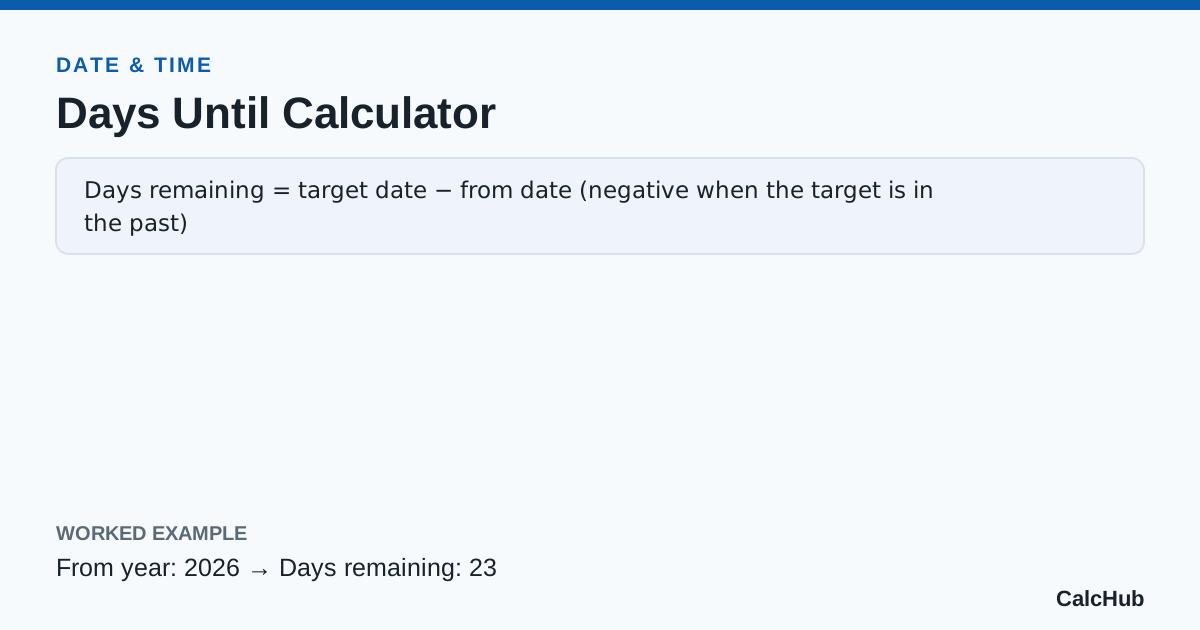
Days Until Calculator
Countdown in days and weeks from one date to another.
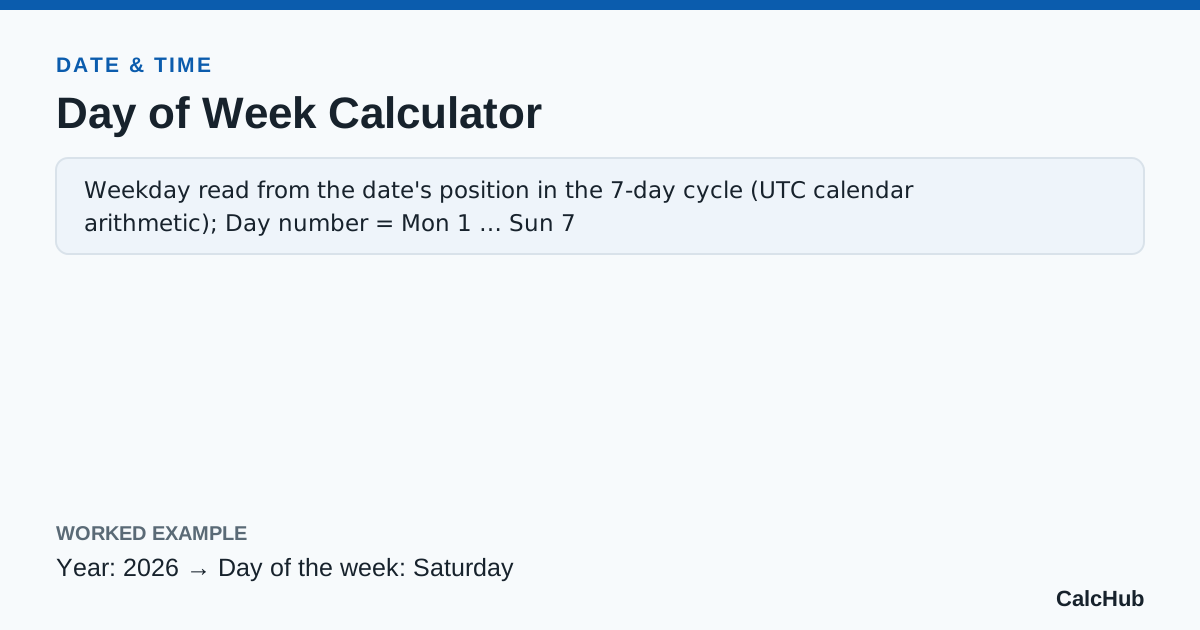
Day of Week Calculator
Which weekday any date falls on — past or future.